SecurityWise: Safe Disposal of Hardware and Devices
28 Apr 2022
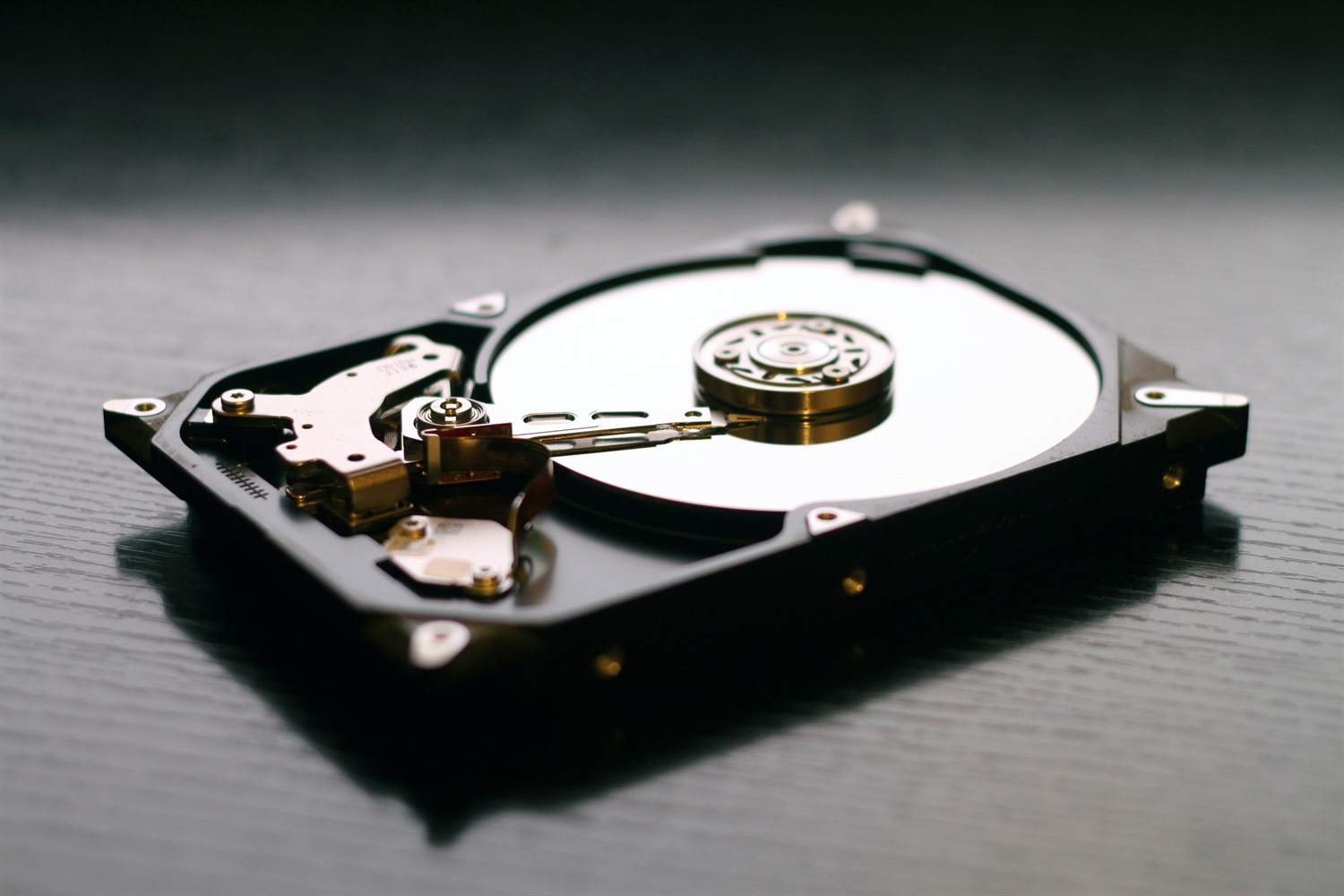
Failing to securely dispose of IT hardware could result in sensitive information falling into the hands of cyber-criminals. Hardware and devices are likely to retain sensitive data, even when powered down. It’s vital for your business to consider how best to decommission or dispose of IT equipment.
The chosen method will depend on how sensitive the data is and whether the hardware needs reusing. To make sure you dispose of old computers and hardware safely, follow these disposal options:
- Leverage physical destruction. When media is physically destroyed, the data contained won’t be recoverable without using advanced equipment. Before destruction, determine whether removing the media will invalidate any warranty on the device Remember, if you wish to reuse the device, you will need to replace the destroyed media with a new storage facility.
- Send the device to a specialist If the stored data on a device is sensitive, consider using a specialist. There are many organisations that will securely delete data from a range of devices and media types. However, be sure to perform a ‘restore to factory settings’ reset before sending your device. This will provide a
degree of protection prior to the specialist’s more detailed deletion.
- Utilise deletion software. Software can be used to overwrite data, allowing the media to be reused once overwritten. It’s recommended to overwrite data more than once to ensure success. Consequently, large drives may take a long time to Additionally, a full format—erasing files and recreating the data structures and file system—can provide further assurance that data can’t be recovered.
- Check ancillary items. Items such as CDs, DVDs, memory cards, USB sticks and other USB connected devices may also contain your sensitive data and care should be taken that they are removed and disposed of with equal care.
- Restore the device to factory settings. If a device doesn’t have accessible storage media, the device itself may offer a function to ‘restore to factory settings'. This will return the device to the state in which it was bought. Before considering this option, check with the device manufacturer to decide whether it’s sufficiently secure for your needs.
- Disposing of smartphones & tablets. Ensure that any data or settings you need are copied from your device by syncing it with its associated Otherwise consider backing it up to the cloud and then restoring it to factory settings.
- Don’t forget about cloud data. Securely deleting data from the cloud or other remote storage services cannot be achieved with overwriting Contact your cloud provider to check how this data can be deleted securely.
Finally, don’t disregard faulty devices. Even if a device won’t turn on, the data can still be retrieved. Dispose of faulty devices just as carefully as those that work correctly.
Source: SecurityWise